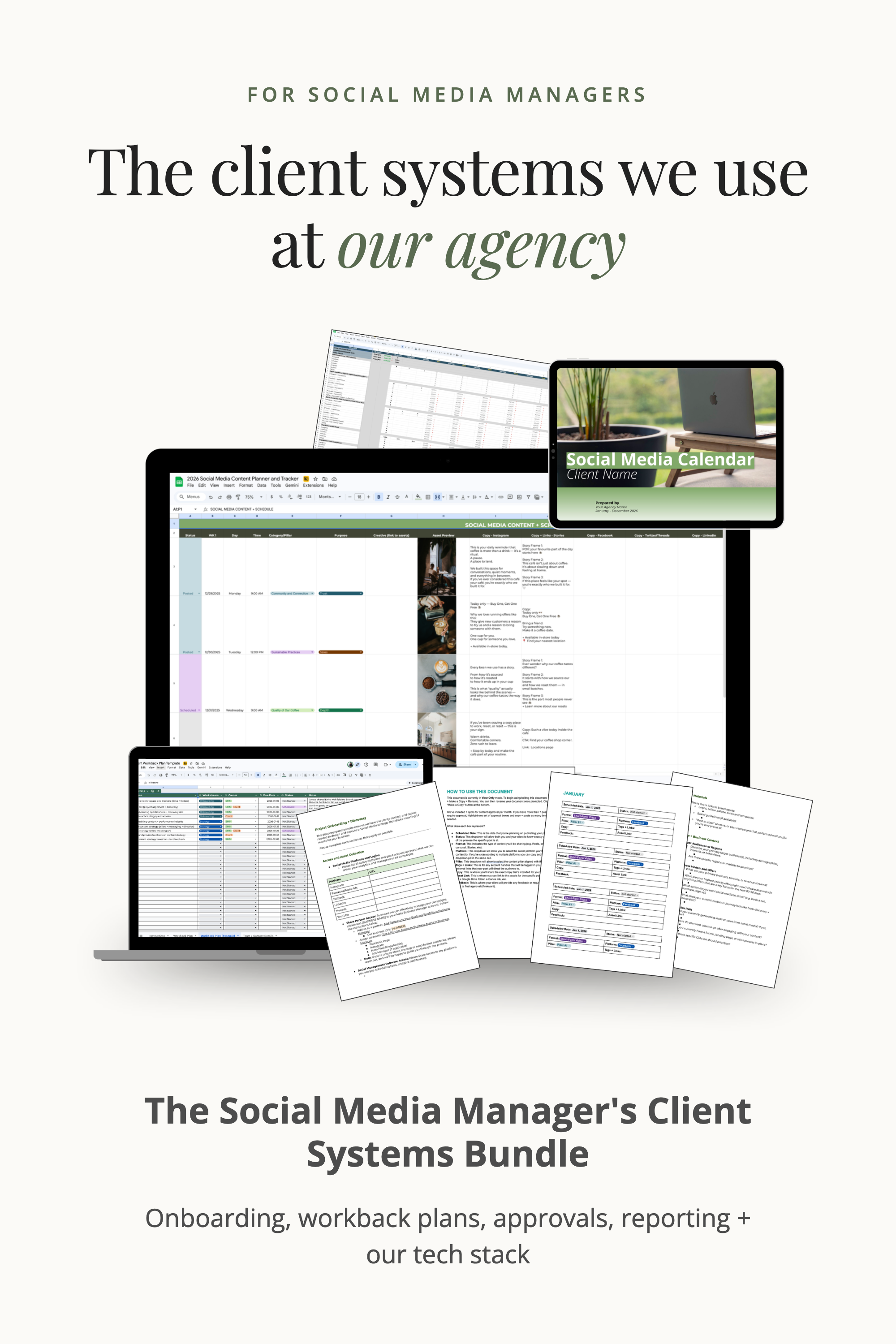
Social Media Client Onboarding: The 4-Phase Checklist We Use With Every Client
Signing a new client feels great. The first two weeks after that decide how the rest of the relationship goes.
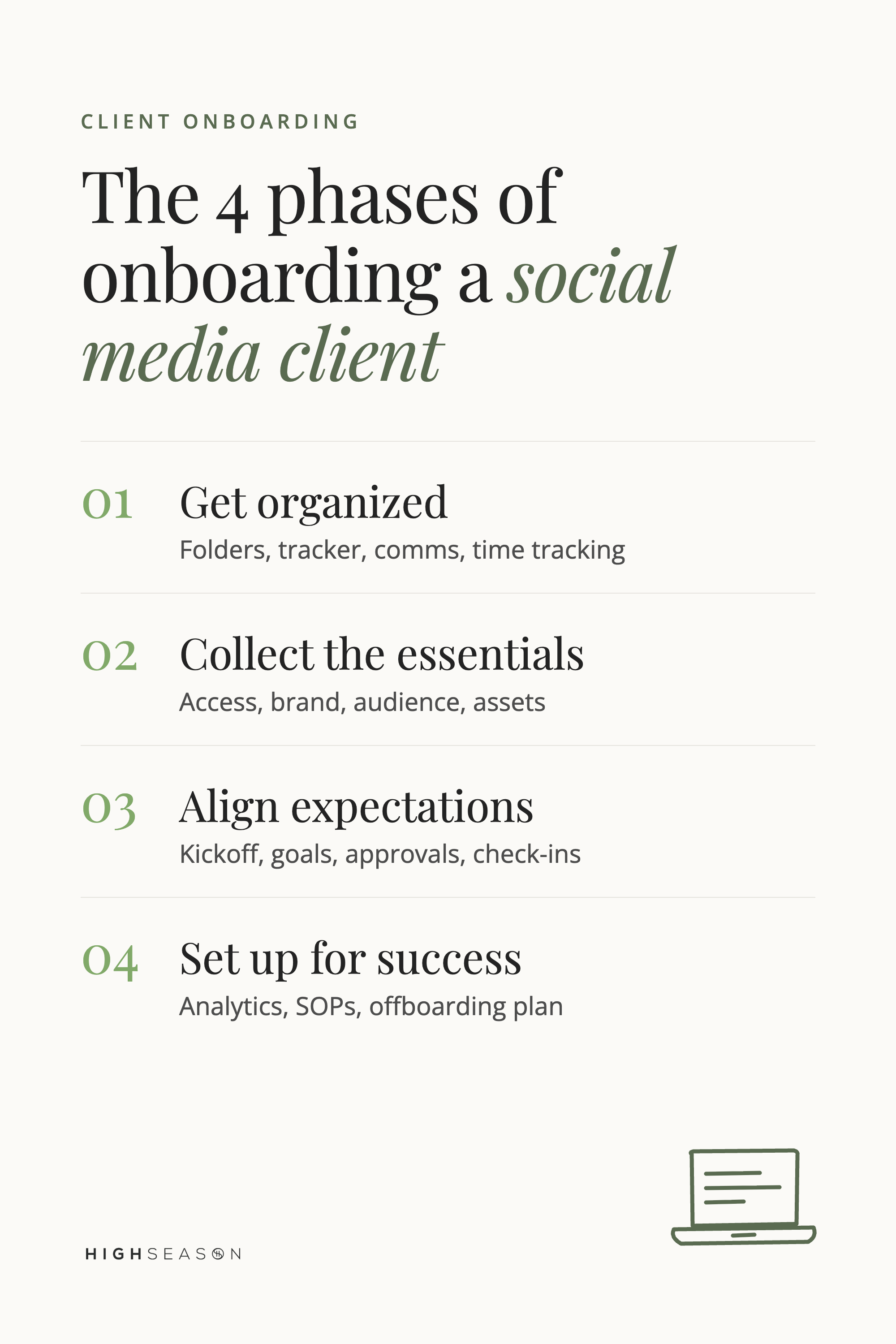
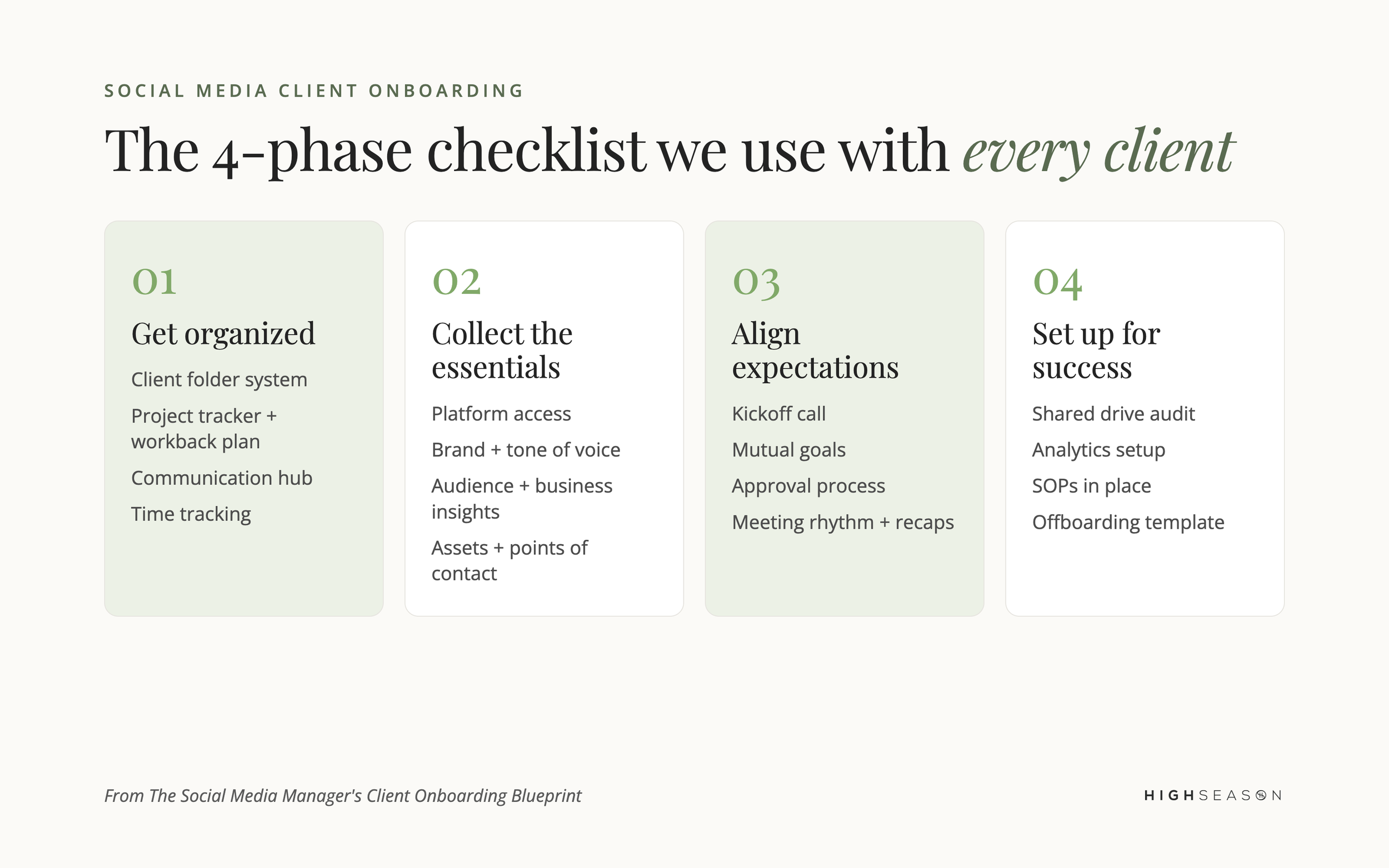
Social media client onboarding is everything you set up before you post for a new client. It has four phases: get your own systems organized, collect access and brand information, align on goals and approvals in a kickoff call, and put your reporting and processes in place. Done well, it makes you look like the expert from day one, and it saves you weeks of back-and-forth later.
We're Tiffany and Craig, co-founders of High Season Co. We started as freelance social media managers and grew into an agency that manages content, campaigns and communities for brands of every size, from local businesses to global corporations. A big reason we get so much repeat business is how we run things: our systems, on top of the work itself.
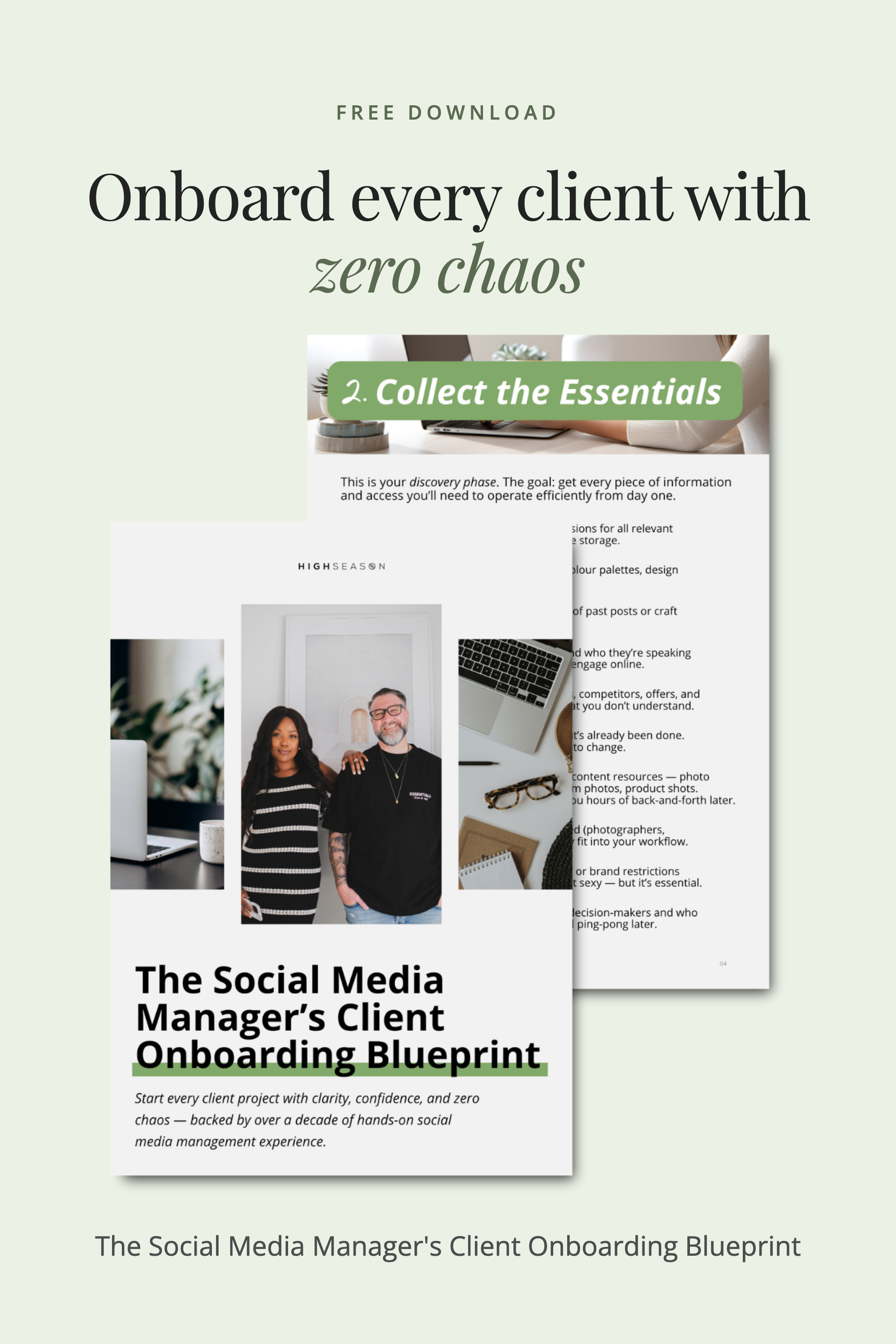
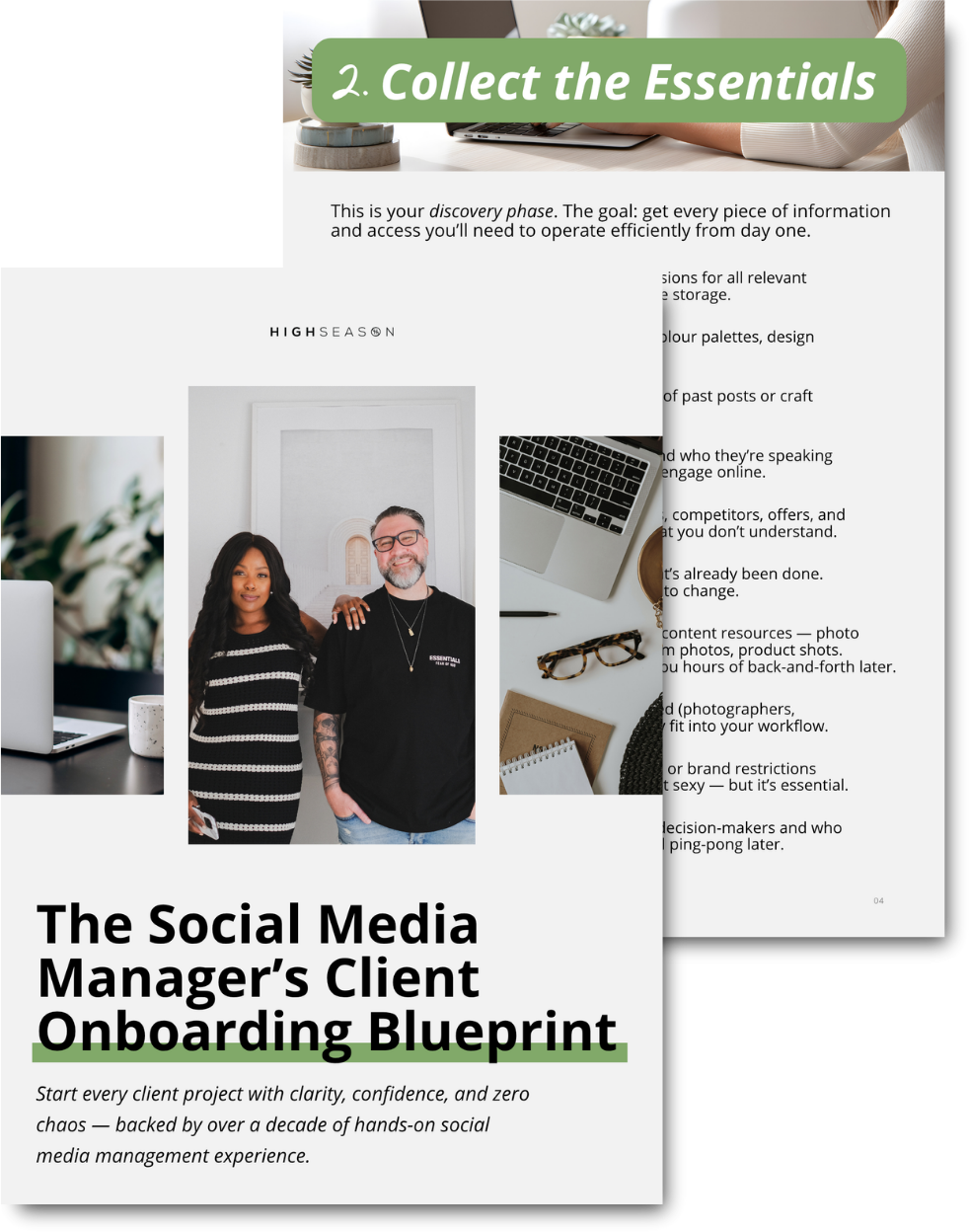
Want this as a checklist? We turned our whole process into a free guide: The Social Media Manager's Client Onboarding Blueprint.
Why onboarding matters more than your first post
Your creativity wins the client. Your systems keep them. Clear processes for how you onboard, manage, communicate and report are what turn you from "the person who posts" into "the expert they trust." Clients notice when you know exactly what you need, when you need it and what happens next. That trust leads to referrals and renewals.
Phase 1: Get organized
Before you touch a client's accounts, get your own backend in order. This is your foundation.
Client folder system: set up a shared drive in Google Drive, Notion or Dropbox, with clear folders for brand materials, content assets, reports and contracts.
Project tracker: build a workback plan with deadlines, deliverables and milestones. Clients love visibility, and it builds trust fast.
Communication hub: agree on how you'll communicate (email, Slack or Asana) and who's responsible for what.
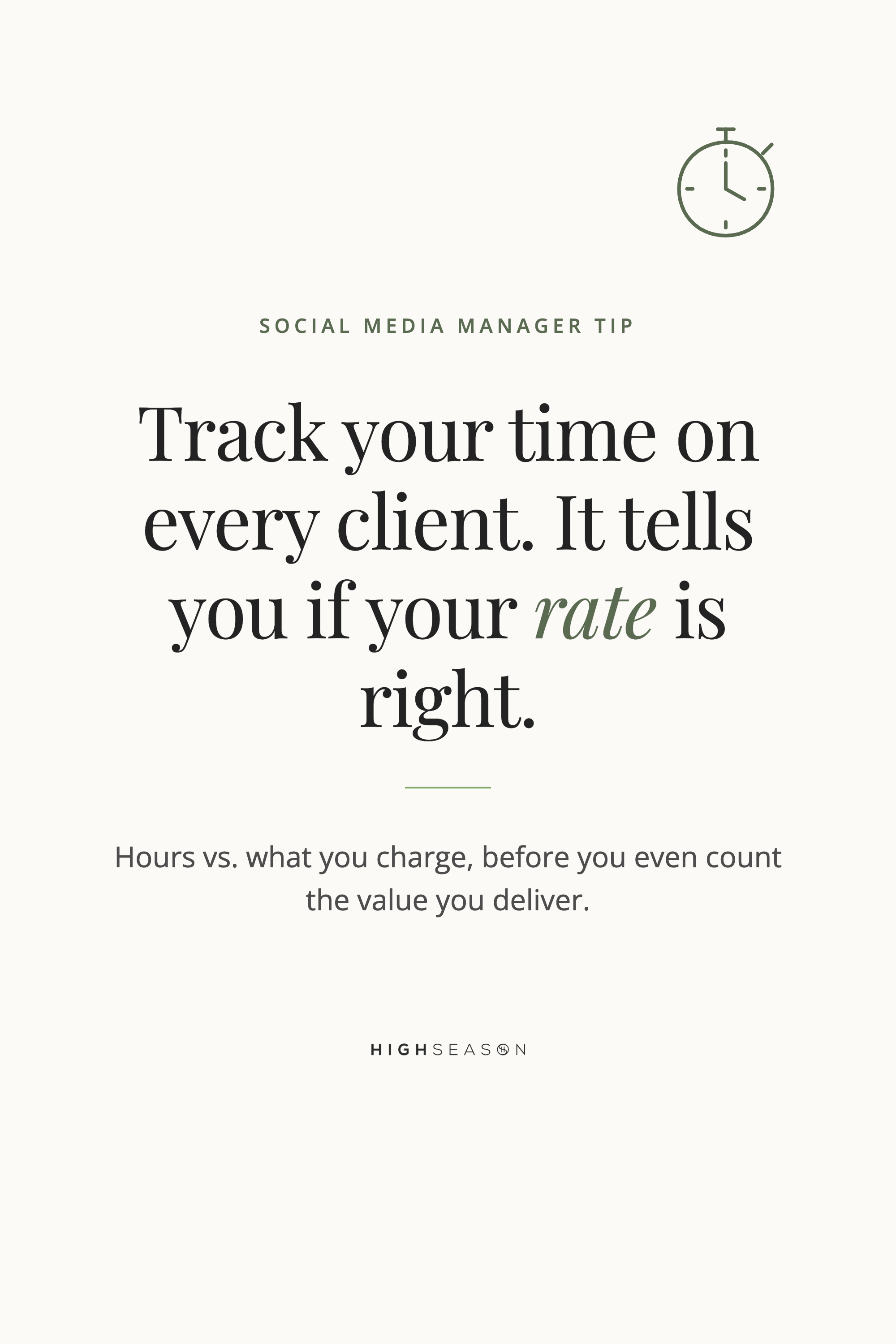
Time tracking: use a tool like Toggl to track your time on each client.
Self-management: treat yourself like a client, with recurring check-ins on your own systems.
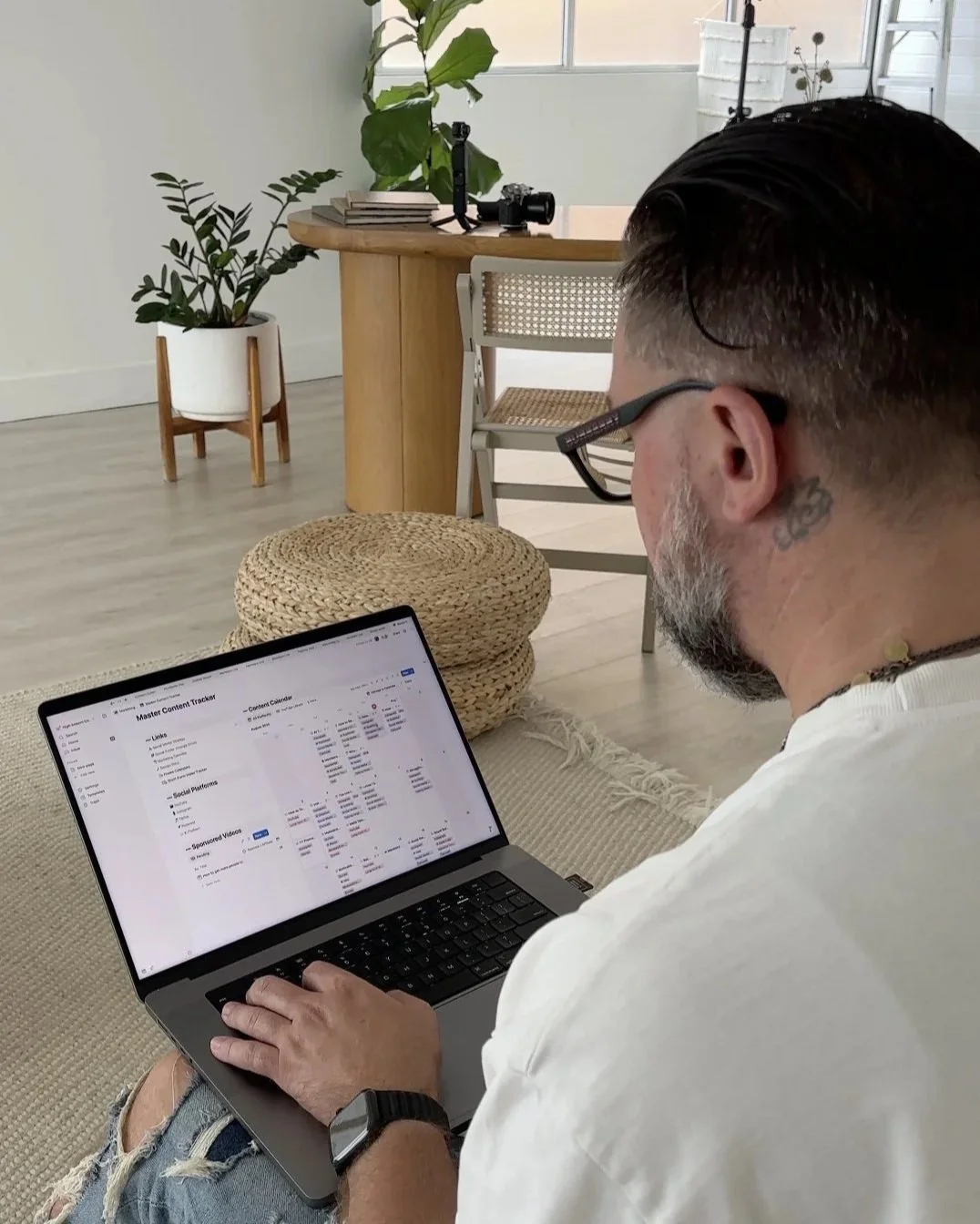
Time tracking deserves a closer look. It shows you whether the rate you charge matches the hours the work actually takes. That's before you even consider the value of what you deliver. At the very least, you should be paid fairly for the rate you've set for yourself.
Phase 2: Collect the essentials
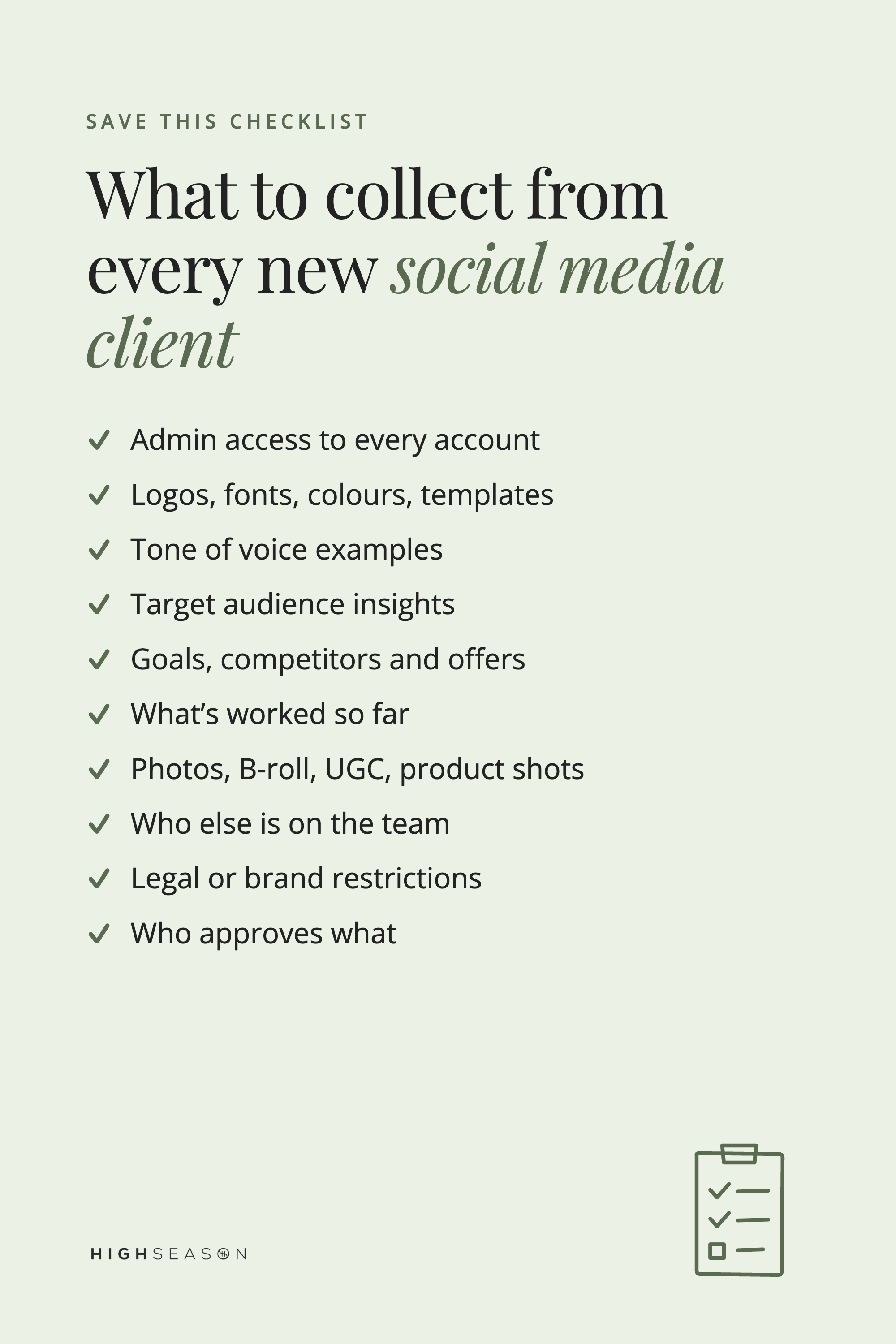
This is your discovery phase. The goal is to gather every piece of information and access you'll need to work efficiently from day one.
Platform access: admin permissions for every relevant account: social, ads, analytics and file storage.
Brand materials: logos, fonts, colour palettes, design templates and brand guidelines.
Tone of voice: examples of past posts, or a voice guide you write yourself. The goal is consistency.
Target audience: who they're speaking to, what motivates them and how they engage online.
Business insights: goals, competitors, offers and key areas of focus. You can't market what you don't understand.
Existing content strategy: what's been done before, what's working and what needs to change.
Available assets: photo galleries, B-roll, video libraries, UGC, team photos and product shots. This is gold for repurposing and saves hours of back-and-forth later.
Resources and team: who else is involved, like photographers, copywriters or internal staff, and how they fit into your workflow.
Operations and compliance: legal or brand restrictions such as disclaimers, privacy rules and NDAs.
Points of contact: the decision-makers, and who approves what.
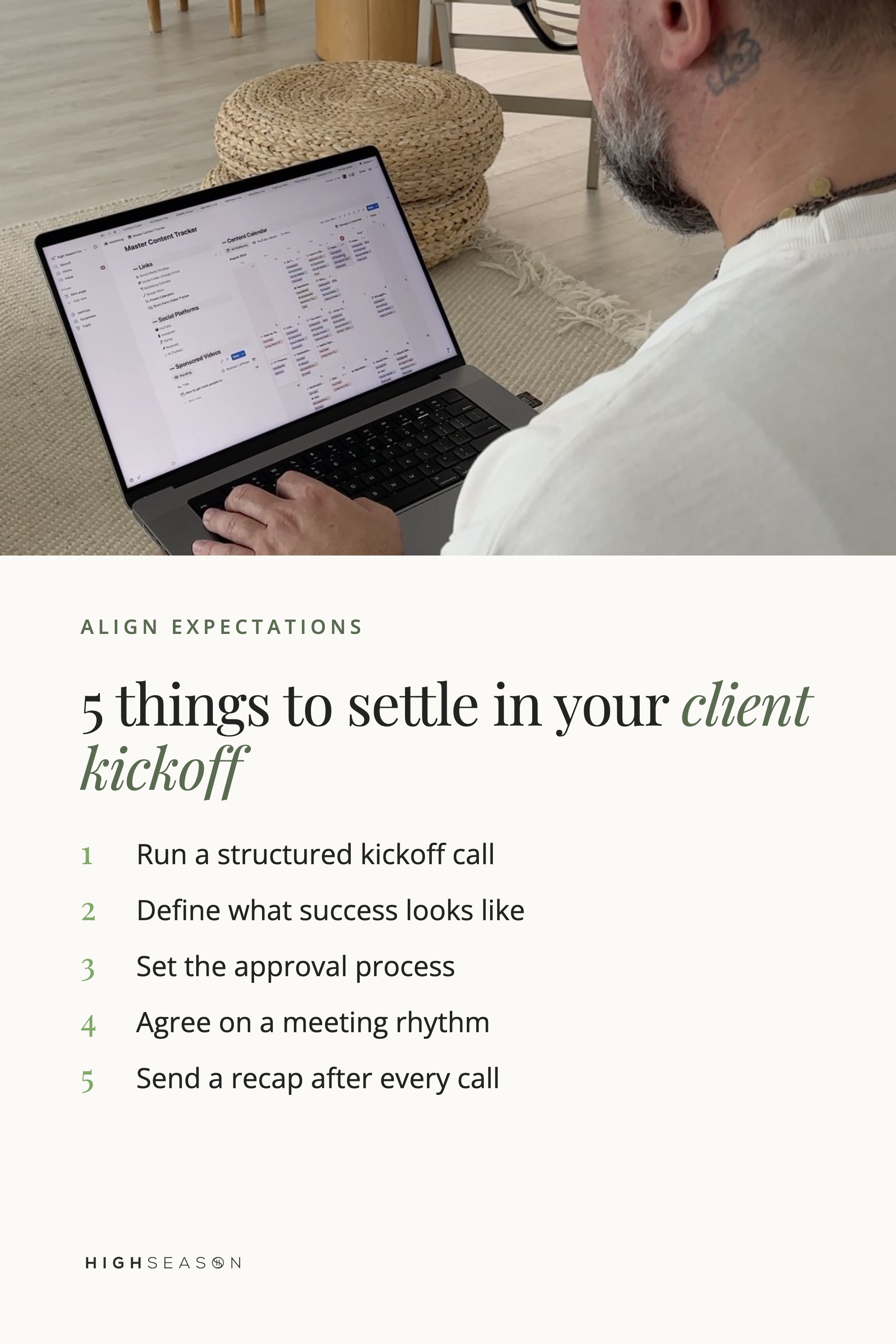
Phase 3: Align expectations
This is where many social media managers drop the ball. Lead the relationship from the start, instead of jumping straight into posting.
Kickoff call: run a structured kickoff meeting to agree on goals, deliverables and timelines.
Mutual goals: define what success looks like. Is it visibility, sales or leads? Be specific.
Approval process: set how and when content gets reviewed and approved.
Meeting rhythm: schedule regular check-ins, weekly or biweekly. Consistency builds confidence.
Follow-up email: send a recap after every call or update your shared agenda document with key notes and next steps. It's professional, it's clear and clients remember it.
Phase 4: Set up for success
Close out onboarding by tightening your systems and setting clear boundaries.
Shared drive audit: check that everything is organized and that both sides know where to find what.
Analytics setup: confirm access to platform insights and connect accounts to your reporting dashboard.
Workback plan: share your final timeline with your client or team so everyone's aligned.
SOPs in place: document your processes for content management, creator collaborations, communication and reporting.
Offboarding template: yes, already. More on that below.
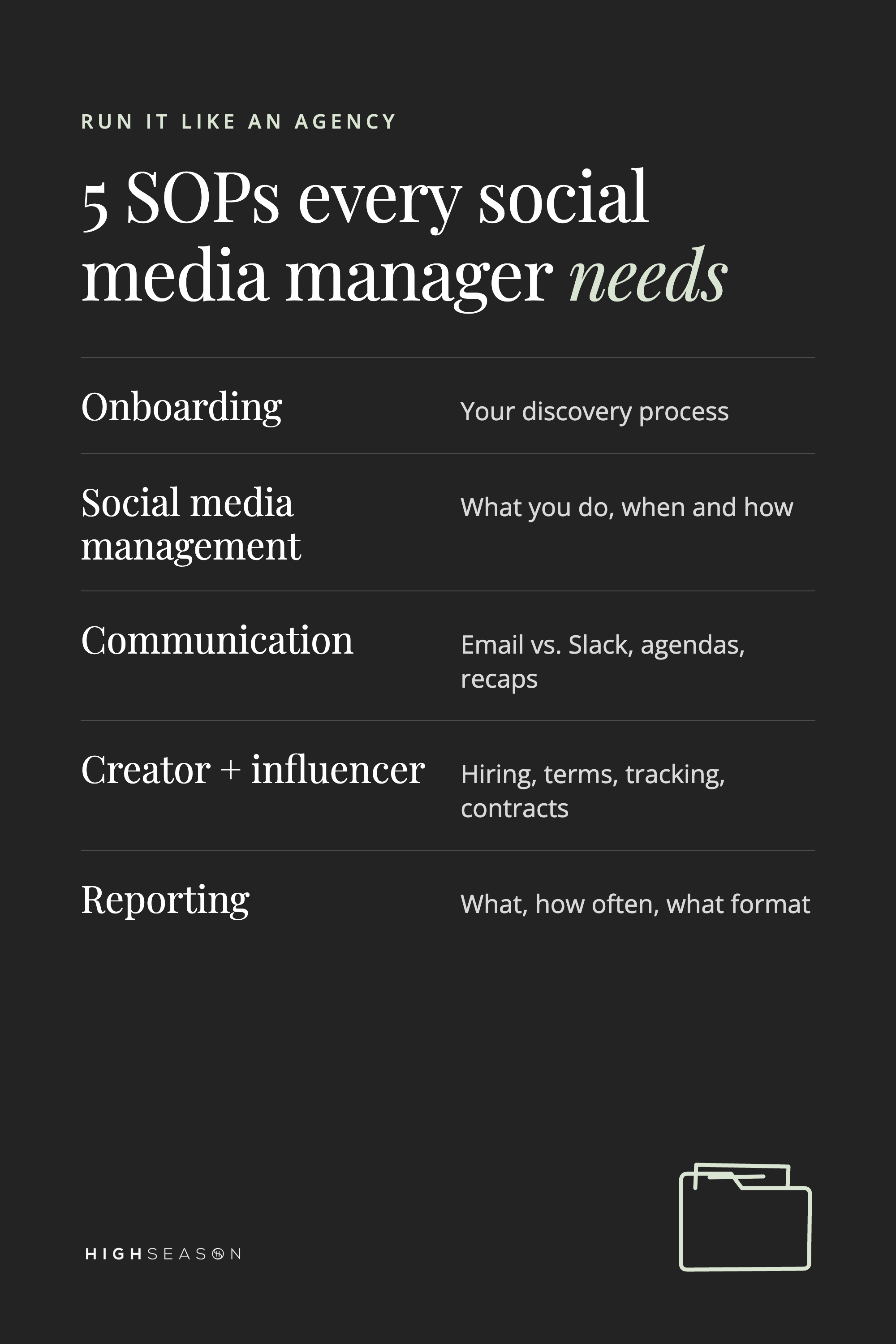
The SOPs every social media manager needs
A standard operating procedure (SOP) is a written, step-by-step version of how you do a recurring task. As a solo social media manager, SOPs keep your work consistent. When you bring someone on to help, they become your training manual.
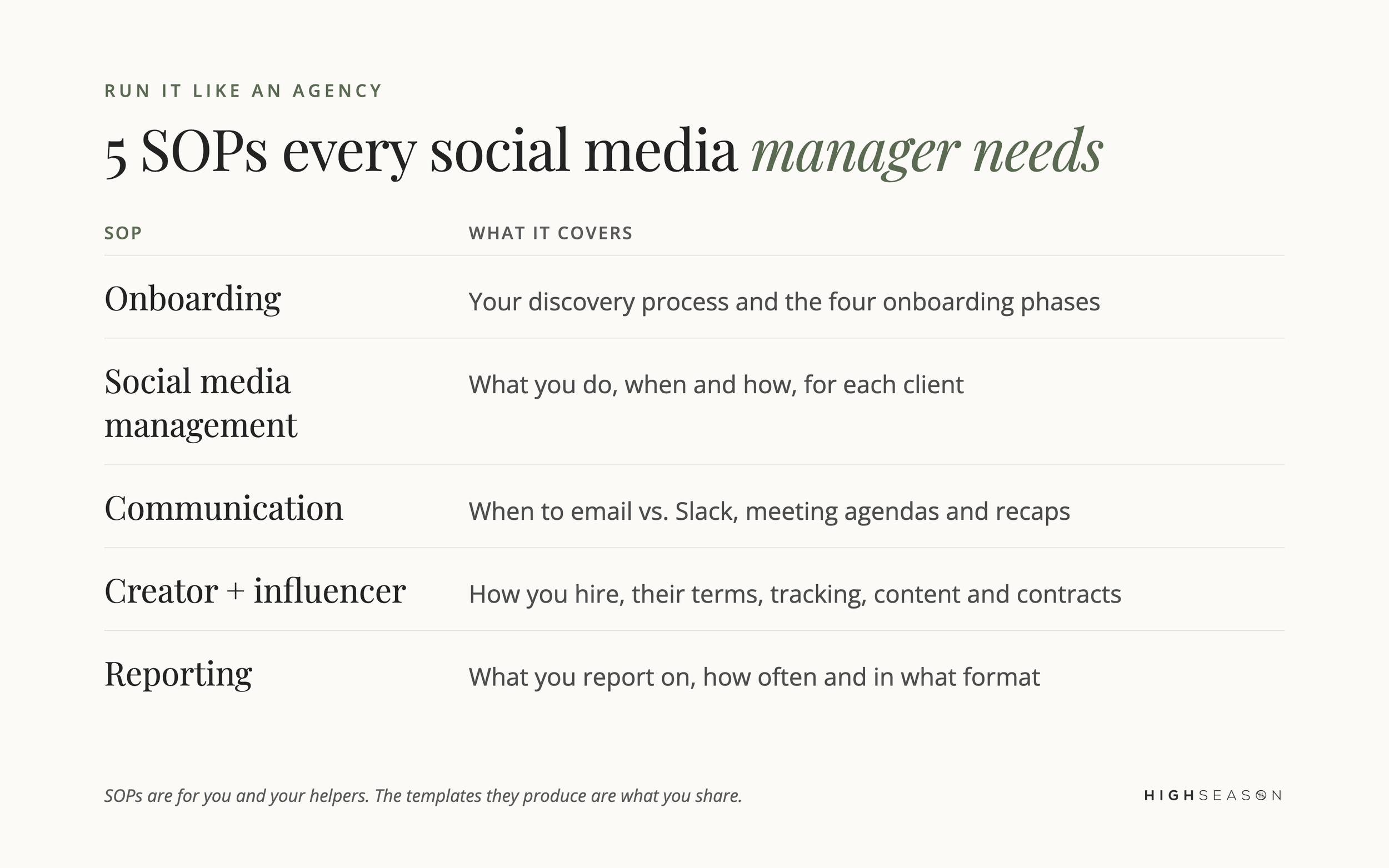
In short, we recommend five:
Onboarding SOP: your discovery process and everything in the four phases above.
Social media management SOP: what you do, when and how for each client.
Communication SOP: when you use email versus Slack, plus your meeting agendas and follow-ups.
Creator and influencer SOP: how you hire creators, the conditions they need to meet, how you track performance and where content and contracts live.
Reporting SOP: what you report on, how often and in what format.
Most SOPs are for you and anyone who helps you. The templates that come out of them, like your workback plan, approval document and reports, are the parts you share with clients.
Plan your offboarding from day one
Create a handover document before you need it, especially for short-term projects. It makes transitions smooth and leaves the client with everything they need to keep going. We use this constantly, because much of our work today is training in-house teams to take over their own social media.
Social media client onboarding FAQ
What should a social media client onboarding questionnaire include? It should cover platform access, brand materials, tone of voice, target audience, business goals and competitors, existing content, available assets, the people involved, any legal restrictions, and who approves content.
What's the difference between onboarding and discovery? Discovery is one phase of onboarding. It's where you collect information and access. Onboarding also includes your own setup, the kickoff call and your reporting and processes.
Do solo social media managers need SOPs? Yes. SOPs keep your work consistent across clients, help you spot where time goes and make it much easier to bring in help when you grow.
What goes in a client offboarding document? Everything the client or their team needs to continue without you: account access, where assets and reports live, and the processes you've been running.
Get the free onboarding checklist
We put together The Social Media Manager's Client Onboarding Blueprint for exactly this reason. It's free, and it helps you start every client project with clarity, confidence and zero chaos, backed by over a decade of hands-on social media management experience.
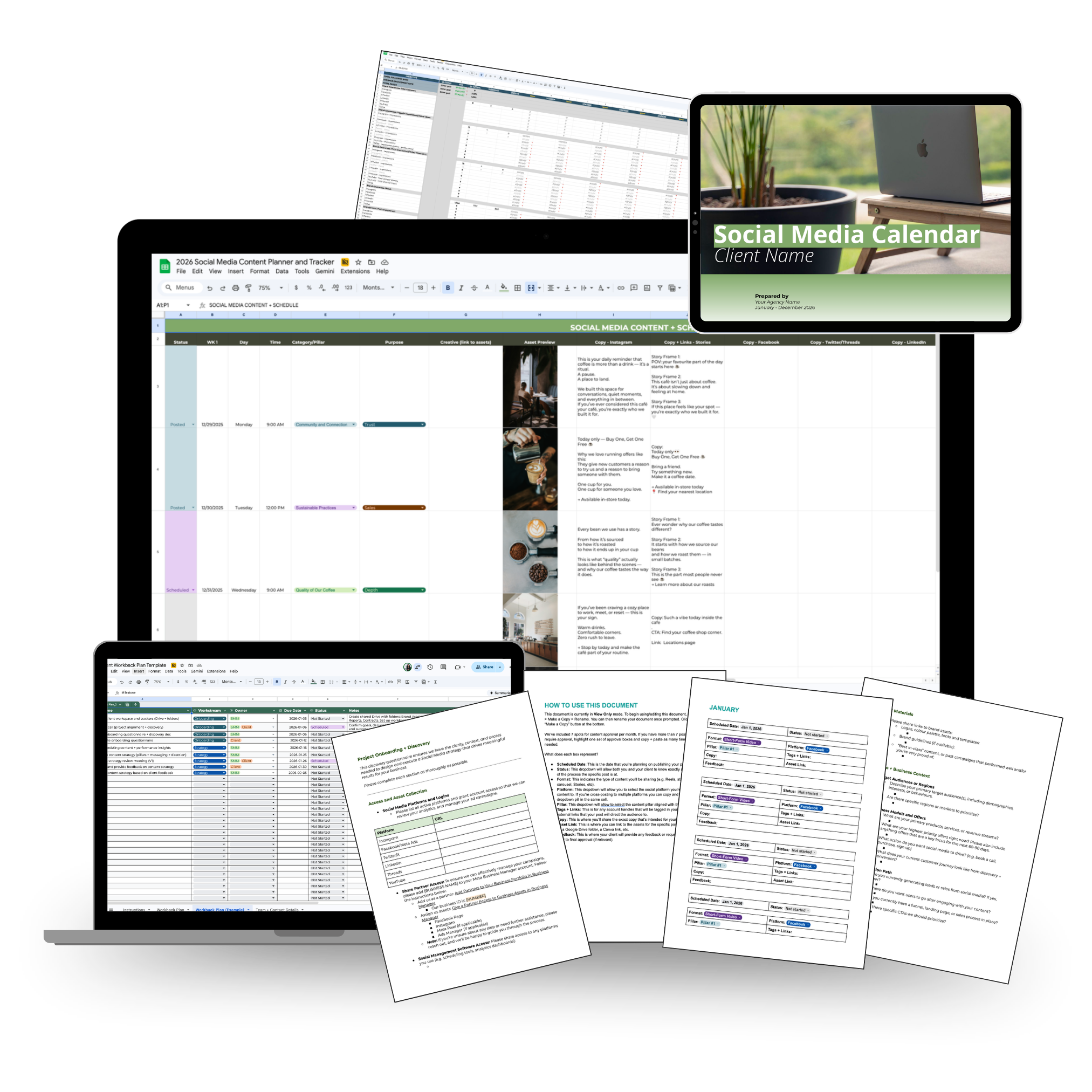
Ready for the templates themselves? The Social Media Manager's Client Systems Bundle gives you the onboarding and discovery template, workback plan, content approval system, reporting template and client systems playbook we use with our own clients, plus our tech stack.